Why Your Amazon CloudWatch Bill Keeps Growing: 12 Cost Optimization Strategies

Key Takeaways
- Amazon CloudWatch is priced based on usage, not a flat subscription. Costs accumulate from log ingestion, storage, custom metrics, dashboards, alarms, and Logs Insights queries.
- Rising CloudWatch bills are often caused by default configurations such as unlimited log retention, verbose logging, and high-cardinality custom metrics.
- Observability costs should be governed just like compute and storage costs.
- A few practical optimization techniques can significantly reduce CloudWatch spending without sacrificing visibility.
Table of Contents
Introduction
For most organizations, cloud cost discussions focus on compute, storage, databases, and networking. Observability costs often receive less attention – until they become impossible to ignore.
Amazon CloudWatch is enabled across many AWS services by default, including EC2, Lambda, ECS, EKS, RDS, API Gateway, and others. As environments grow, CloudWatch continuously collects logs, metrics, and monitoring data. While this visibility is valuable, costs can increase significantly when observability practices are not actively managed.
Many organizations discover that their CloudWatch bill has doubled or tripled despite minimal infrastructure growth. The reason is simple: CloudWatch costs scale based on the amount of data generated, stored, and queried.
At SKYXOPS, we frequently see CloudWatch spending increase due to excessive logging, unlimited retention policies, and poorly designed custom metrics. Fortunately, these costs can often be reduced quickly through proper FinOps governance and observability optimization.
This article explains why CloudWatch costs grow and outlines practical strategies to reduce spending while maintaining operational visibility.
What Makes CloudWatch Expensive?
Amazon CloudWatch is AWS’s native monitoring and observability platform. It provides:
- Metrics monitoring
- Log collection and analysis
- Dashboards
- Alarms
- Event monitoring
- Application observability
Unlike traditional monitoring platforms with fixed licensing models, CloudWatch follows a consumption-based pricing structure. The primary cost drivers include:
| Component | Cost Driver |
|---|---|
| Log Ingestion | Volume of logs collected |
| Log Storage | Amount of retained log data |
| Custom Metrics | Number of unique metrics |
| Logs Insights | Data scanned during queries |
| Dashboards | Number of dashboards |
| Alarms | Number and type of alarms |
| API Requests | Monitoring-related API calls |
| Detailed Monitoring | Additional EC2 metrics |
The more data you collect and retain, the more you pay.
Why CloudWatch Costs Keep Increasing
Most CloudWatch cost increases result from a combination of small decisions rather than a single major issue. Common causes include:
- Continuous Log Ingestion: Every application log, infrastructure log, and service log generates ingestion charges.
- Debug Logging in Production: Verbose logging often remains enabled long after troubleshooting activities are completed.
- Unlimited Retention Policies: Many log groups default to “Never Expire,” causing storage costs to grow indefinitely.
- High-Cardinality Custom Metrics: Dimensions such as User ID, Session ID, Request ID, and Transaction ID can multiply metric counts dramatically.
- Expensive Logs Insights Queries: Repeated broad queries scan large amounts of data and generate recurring costs.
- Multi-Account and Multi-Region Expansion: CloudWatch configurations often expand alongside AWS environments, increasing costs across regions and accounts.
12 CloudWatch Cost Optimization Strategies
1. Configure Log Retention Policies
Why it matters: One of the most common cost issues is retaining logs indefinitely.
Recommended actions:
- Development: 7–14 days
- Test/Staging: 14–30 days
- Production: 30–90 days (or according to compliance requirements)
- Automate retention settings using:
- AWS Config
- Infrastructure as Code
- Organizational policies
Expected benefit: Lower storage costs and predictable retention management.
2. Reduce Debug Logging in Production
Why it matters: Debug logs can generate massive volumes of data with limited operational value.
Recommended actions:
- Default production environments to these log levels:
- INFO
- WARN
- ERROR
- Enable DEBUG only during active troubleshooting
- Review top log-producing services monthly
Expected benefit: Immediate reduction in ingestion costs.
3. Control Log Ingestion Volume
Why it matters: Every log entry generates cost.
Recommended actions:
- Log meaningful events only
- Avoid logging entire request and response payloads
- Remove duplicate logging
- Adopt structured logging standards
Expected benefit: Lower ingestion and query costs.
4. Eliminate High-Cardinality Metrics
Why it matters: CloudWatch bills each unique metric and dimension combination separately.
Avoid (high cardinality):
- userId
- requestId
- sessionId
- orderId
Prefer (low cardinality):
- Service
- Application
- Endpoint
- Environment
Expected benefit: Significant reduction in custom metric costs.
5. Use CloudWatch Logs Infrequent Access
Why it matters: Not all logs require real-time access.
Recommended actions: Move the following to the Infrequent Access class:
- Compliance logs
- Historical logs
- Audit logs
Expected benefit: Lower storage and ingestion costs for rarely accessed data.
6. Optimize Custom Metrics
Why it matters: Custom metrics are one of the fastest-growing CloudWatch cost categories.
Recommended actions:
- Use native AWS metrics whenever possible
- Aggregate metrics at service level
- Review Embedded Metric Format (EMF) implementations
Expected benefit: Reduced metric proliferation and lower monthly costs.
7. Reduce Logs Insights Query Costs
Why it matters: CloudWatch Logs Insights charges based on the amount of data scanned.
Recommended actions:
- Narrow query time windows
- Filter early
- Avoid full-log scans
- Export historical data to Amazon S3 and query using Amazon Athena
Expected benefit: Lower query charges and faster investigations.
8. Optimize Dashboards
Why it matters: Unused dashboards create unnecessary costs.
Recommended actions:
- Consolidate dashboards
- Remove abandoned dashboards
- Reduce refresh frequency where possible
Expected benefit: Lower dashboard and API-related charges.
9. Remove Unused Log Groups
Why it matters: Legacy projects often continue generating storage charges long after they are retired.
Recommended actions: Perform quarterly audits and remove:
- Deprecated applications
- Test environments
- Orphaned log groups
Expected benefit: Immediate cost reduction.
10. Implement Log Sampling
Why it matters: Capturing 100% of traffic is often unnecessary.
Recommended actions:
- Sample 1–10% of successful requests
- Retain 100% of:
- Errors
- Exceptions
- Slow transactions
Expected benefit: Substantial reduction in ingestion costs.
11. Separate Environments Properly
Why it matters: Mixing environments creates unnecessary noise and cost.
Recommended actions:
- Maintain separate logging for:
- Development
- Testing
- Staging
- Production
Apply different retention policies to each.
Expected benefit: Improved governance and cost allocation.
12. Monitor CloudWatch Costs Continuously
Why it matters: Many organizations discover cost issues only after receiving invoices.
Recommended actions:
- Track CloudWatch spending in AWS Cost Explorer
- Create budget alerts
- Review top log groups monthly
- Review top custom metrics monthly
- Archive older logs to Amazon S3
Expected benefit: Early detection of cost anomalies and better governance.
Real-World Example
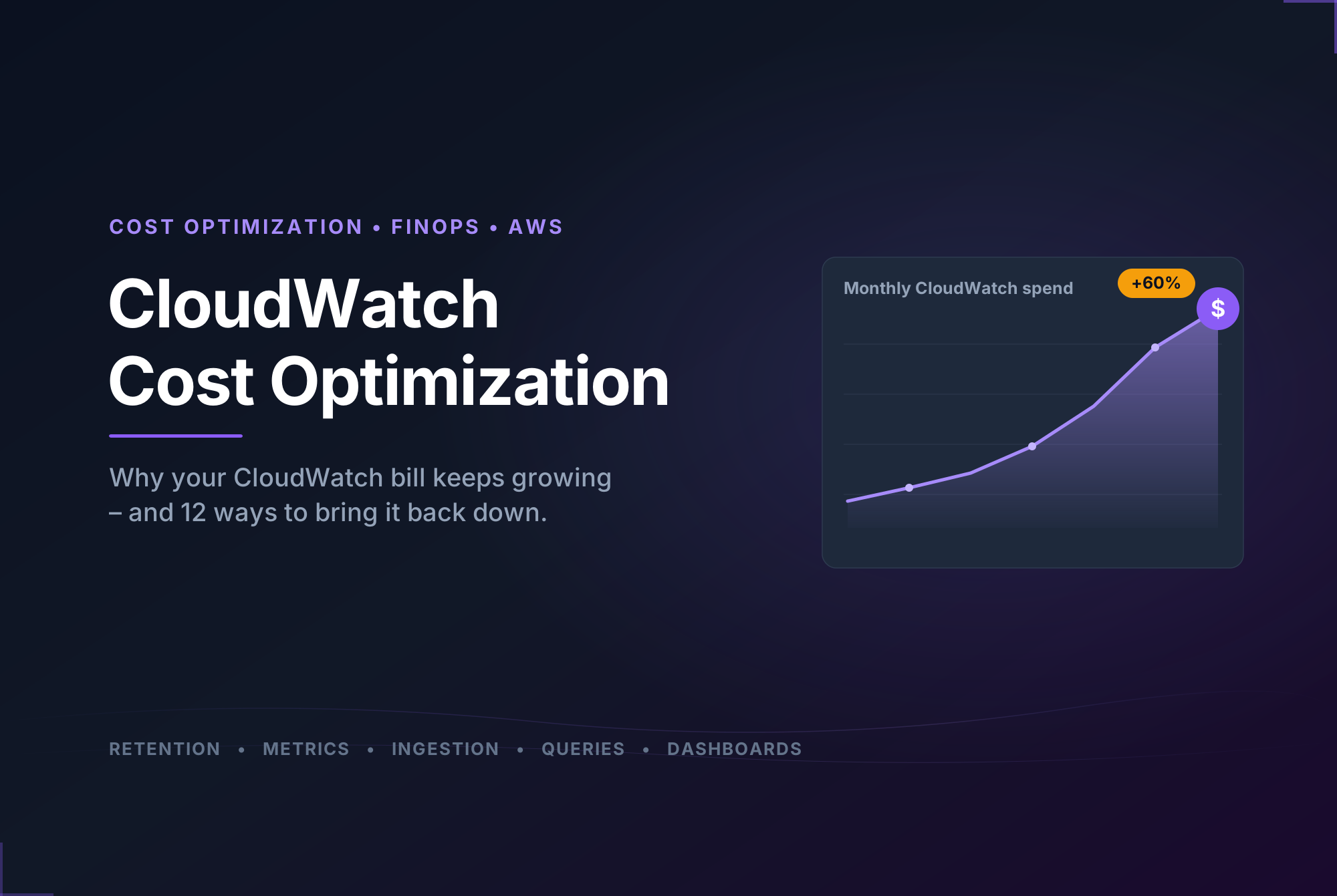
A SaaS company operating several hundred AWS Lambda functions noticed that CloudWatch costs had increased by more than 60% over six months.
After performing a CloudWatch assessment, the team identified:
- Debug logging enabled in production
- Unlimited retention policies
- Multiple high-cardinality custom metrics
By implementing log retention policies, reducing verbose logging, and redesigning custom metrics, the organization reduced CloudWatch spending by approximately 40% while maintaining the same operational visibility.
Best Practices for Sustainable Observability
Many teams assume the solution is simply to collect less data. That approach often creates blind spots.
The most efficient organizations are not necessarily collecting less information – they are collecting the right information. Successful observability programs focus on:
- Structured logging
- Appropriate retention
- Meaningful metrics
- Controlled cardinality
- Cost governance
- Continuous monitoring
When observability is designed intentionally, cost optimization becomes a natural outcome.
Conclusion
CloudWatch costs rarely increase because of a single mistake. Instead, they grow through a combination of excessive logging, unlimited retention, poorly designed custom metrics, and uncontrolled querying.
The solution is not reducing visibility – it is improving governance.
Organizations that implement proper retention policies, optimize custom metrics, control ingestion, and continuously monitor observability spending can often achieve substantial savings while maintaining operational excellence.
As cloud environments continue to scale, observability should be treated as a governed FinOps discipline rather than an unmanaged operational expense. The organizations that succeed are not the ones collecting the most data. They are the ones collecting the right data and understanding exactly why they are paying for it.
Frequently Asked Questions
Why did my CloudWatch bill increase without adding new infrastructure?
What are the biggest CloudWatch cost drivers?
Should I move older CloudWatch logs to Amazon S3?
How often should CloudWatch usage be reviewed?
Are custom metrics worth the cost?
Reduce CloudWatch Costs with SKYXOPS
CloudWatch costs should not be a surprise at the end of the month.
SKYXOPS helps organizations gain visibility into cloud spending, identify observability cost drivers, optimize AWS monitoring practices, and establish FinOps governance across multi-cloud environments.
If your CloudWatch costs are growing faster than your infrastructure, a CloudWatch Cost Optimization Assessment can help uncover hidden waste and provide a practical roadmap for sustainable observability. Contact SKYXOPS today to learn how you can reduce monitoring costs without sacrificing visibility.